
Appearance
Lecture Tools
Access tools to assist with registration, reporting, and announcements.
This page describes the classic pages
The new course builder has no Lecture Tools tab. The same tools are split between two groups of its menu:
- Tools & Reports — Registrant List, Ticket Scanning (the check-in page), Speaker Tools (the interactive tools) and Reports. See Tools & Reports.
- Publication › Course Links — the announcement and registration links, the registration QR code, kiosk mode registration, the short code, the embed HTML and the lecture key. See Publication.
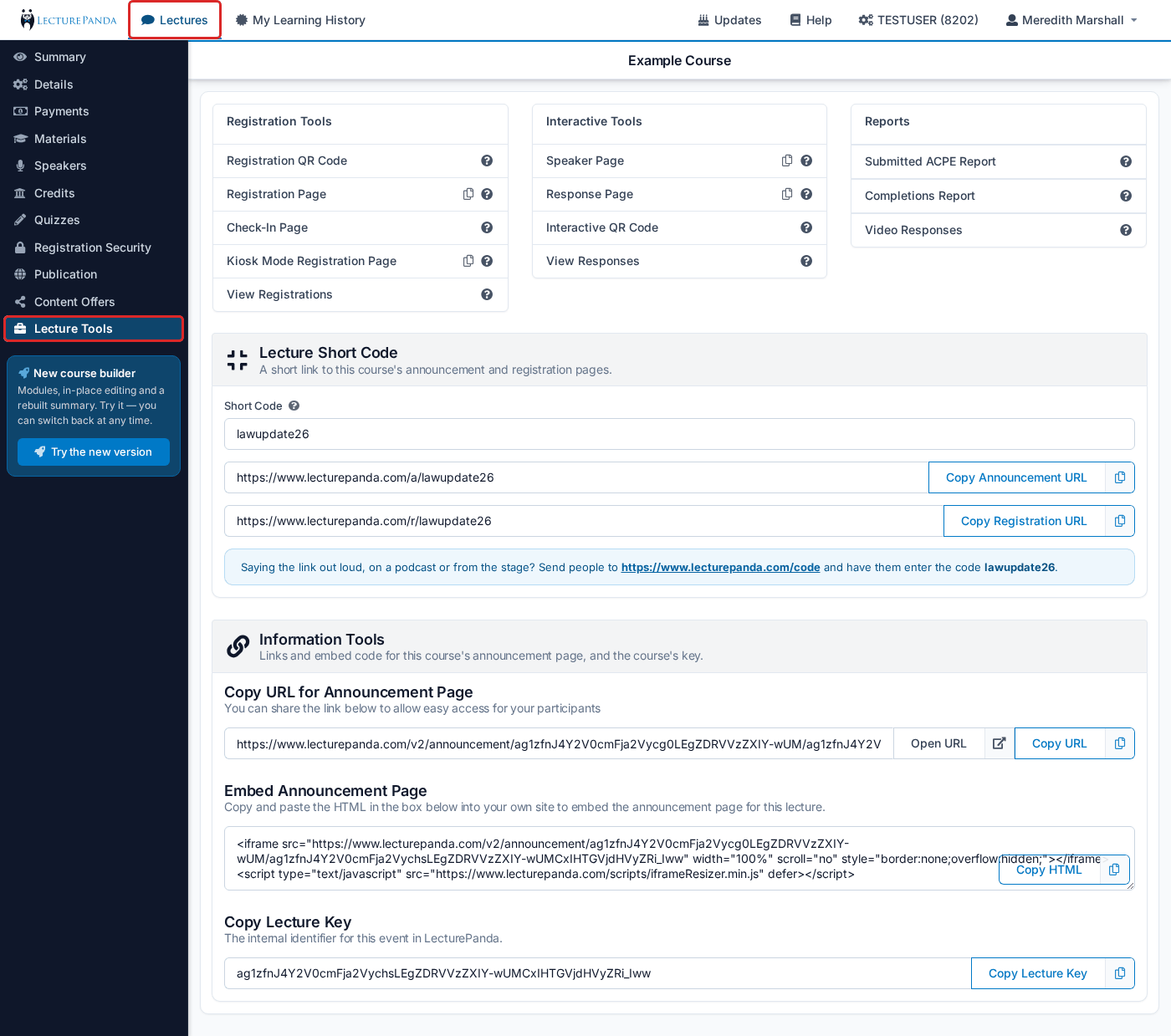
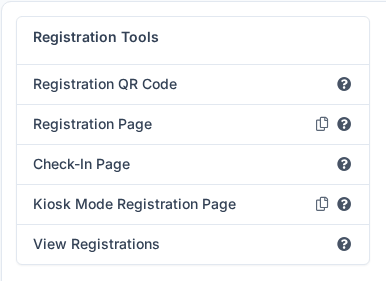
Registration Tools
Registration QR Code
Opens a QR code for the registration page. Put it on a slide or a poster so people can register from their seats on their phones.
Registration Page
URL link to the registration page.
Check-In Page
Use this page to scan-in attendees.
TIP
This page is used when the check-in process is set to Check-in Active or Check-in Required. You can change your lecture’s check-in process in Details > Select Check-in Process. In the course builder, check-in is set per module: module settings > Additional settings > Check-in.
Kiosk Mode Registration Page
A kiosk version of the registration page that automatically resets to the registration page again 60 seconds after an individual completes registration.
View Registrations
View and manage registrants.
Interactive Tools

Speaker Page
This page allows the speaker to send interactive questions to the audience during the lecture.
INFO
This page does not require the speaker to be logged in so be careful who you share this link with.
Response Page
This page allows the participant to respond to the interactive questions sent by the speaker and to submit questions to the speaker. Alternatively, this page can be accessed by scanning the QR code available on the Speaker Page.
Interactive QR Code
The QR code generated by clicking this link can be scanned by audience members to engage with the speaker in real-time.
View Responses
Use the report generated by this link to analyze the responses given to the interactive questions during the lecture.
Reports

Submitted ACPE Report
For ACPE providers: a record of all the information sent to ACPE, so Admins can review each submission. See Accreditation & Reporting if you report somewhere else.
Completions Report
A spreadsheet of every completed credit on this course, with each participant's registration details alongside. This is the per-course answer to "who finished, and what did they earn" — see Choosing the Right Report for when to use it instead of the account-wide reports.
Video Responses
A report that compiles all the responses to questions embedded in video learning materials.
Information Tools
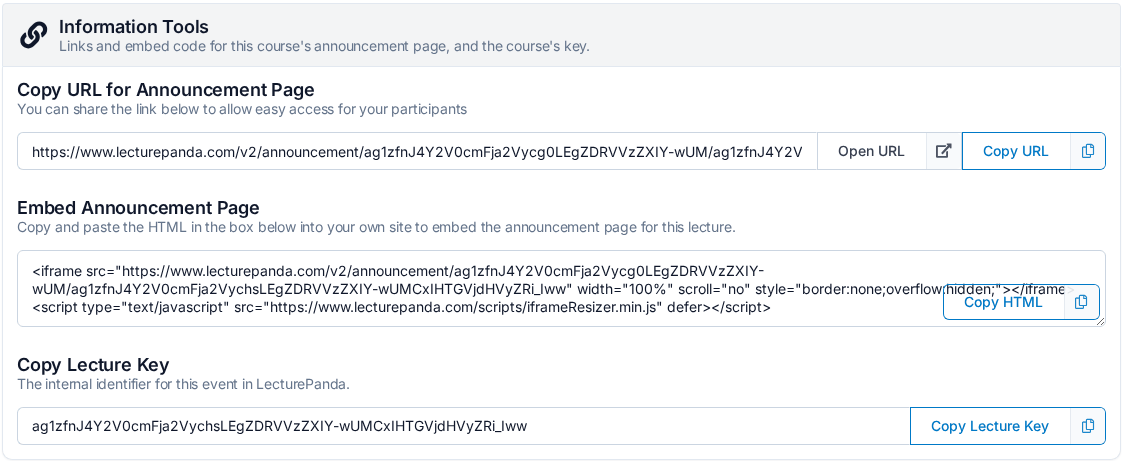
Copy URL for Announcement Page
Share this link with potential participants to allow them to review the lecture information. Admins can use the “Open URL” button to preview the lecture’s announcement page.
Embed Announcement Page
This HTML code can be added to your website to embed the lecture’s announcement page.
Copy Lecture Key
The internal identifier for this lecture in LecturePanda. Handy when you contact support about a specific lecture.
Lecture Short Code
A short link to this course's announcement and registration pages.
Enter a short code and the block shows two short links you can copy: Copy Announcement URL (…/a/<code>) and Copy Registration URL (…/r/<code>). The code is checked for availability as you type.
Saying the link out loud
On a podcast or from the stage, send people to www.lecturepanda.com/code and have them enter the code.
In the course builder the short code is on Publication › Course Links: set it there and every link on that page becomes a short one.